Merge webhooks sent to you
Overview
Webhooks offer a real-time way to notify your app when data changes. This guide teaches how to setup these webhooks, which are inbound POST requests to your API, allowing you to create, update, or delete data in your app based on Merge events.
Webhooks are shared across your Merge organization.
Create webhooks
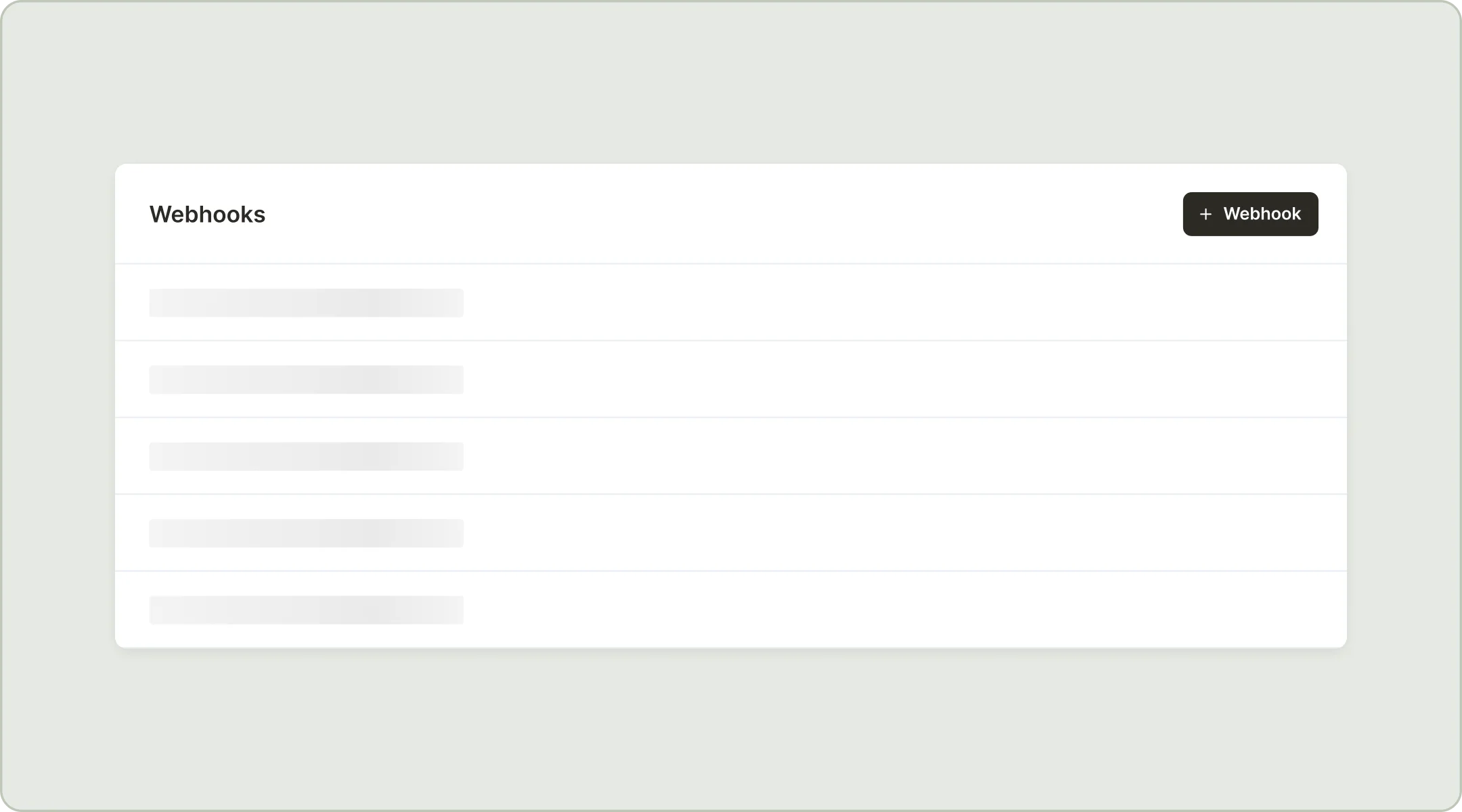
To create webhooks, go to the Webhooks management console under the Advanced configuration in your Merge dashboard and click +Webhook.
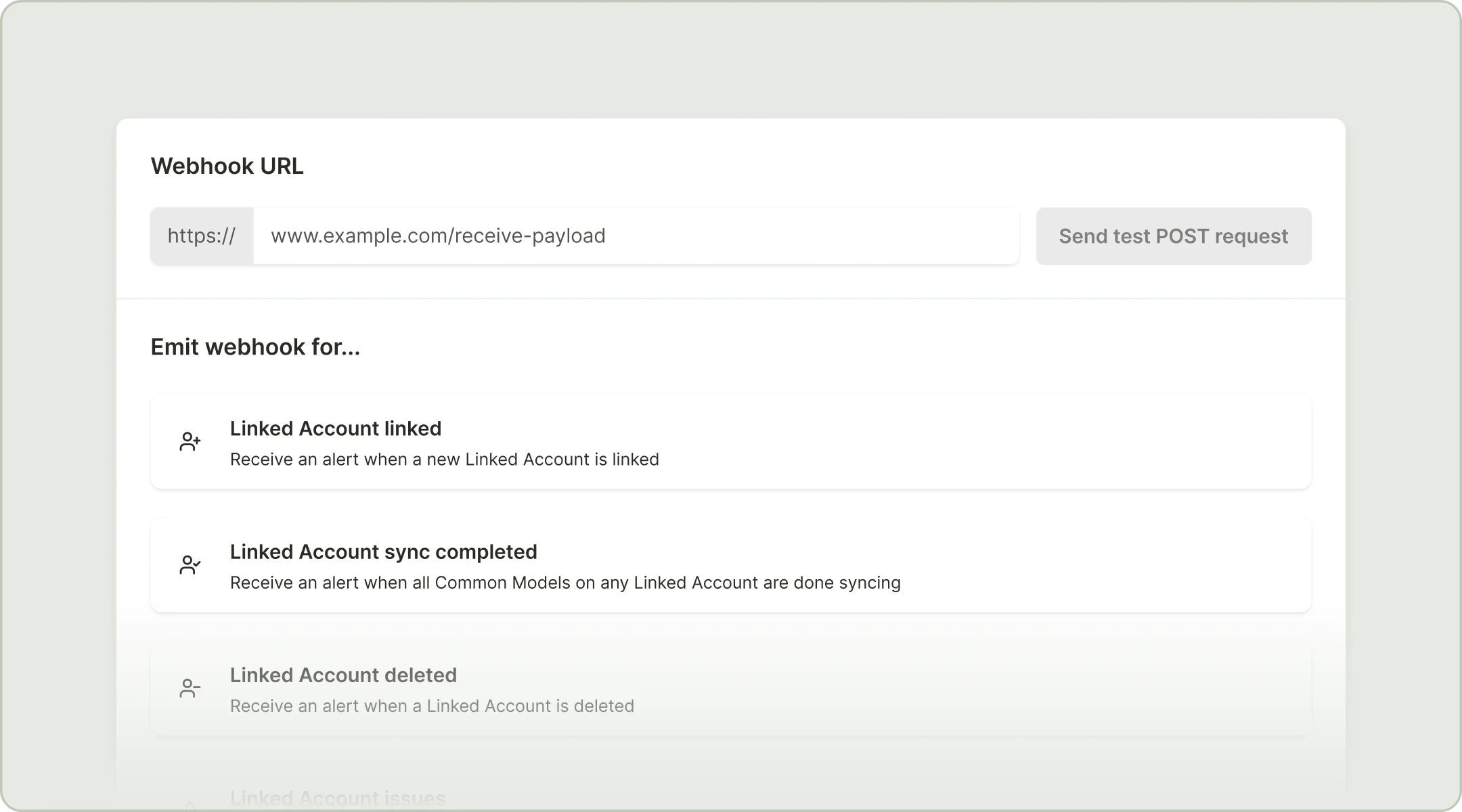
On the next page, add the URL that you want Merge to send a POST request to. This URL should point to a POST route in your API that you’ll build to handle the incoming payload.
Select the event type that you want to trigger the webhook. We recommend the Common Model sync and/or changed data webhooks if you have a lot of data to keep in sync. You can detect the affected data models within your API by parsing the JSON payload.
If you want to test your webhook, click Send test POST request next to your URL. This will cause Merge to send a POST request carrying a sample payload to the URL you’ve specified, where you can log the output and program your endpoint to do something in response to the payload.
Payload Properties
Webhook event types
Linked Account linked
Linked Account synced
Linked Account deleted
Linked Account issues
Common model synced
Changed data
Deleted data
Async Passthrough completed
Async POST completed
Async Bulk POST completed
Receive an alert when a new Linked Account is linked.
Security
You’ll want to ensure that your API endpoint is verifying that incoming POST requests are from Merge and not a malicious source, and that payloads haven’t been altered in transit.
The best way to do that is to check that the X-Merge-Webhook-Signature field in the header of the incoming request matches an encoded combination of your organization’s webhook signature and the payload attached to the incoming request.
In your Webhooks page under configuration, you should see a Security module with your signature key. This key is unique to your organization and can be regenerated if it ever becomes known by an untrusted third party.
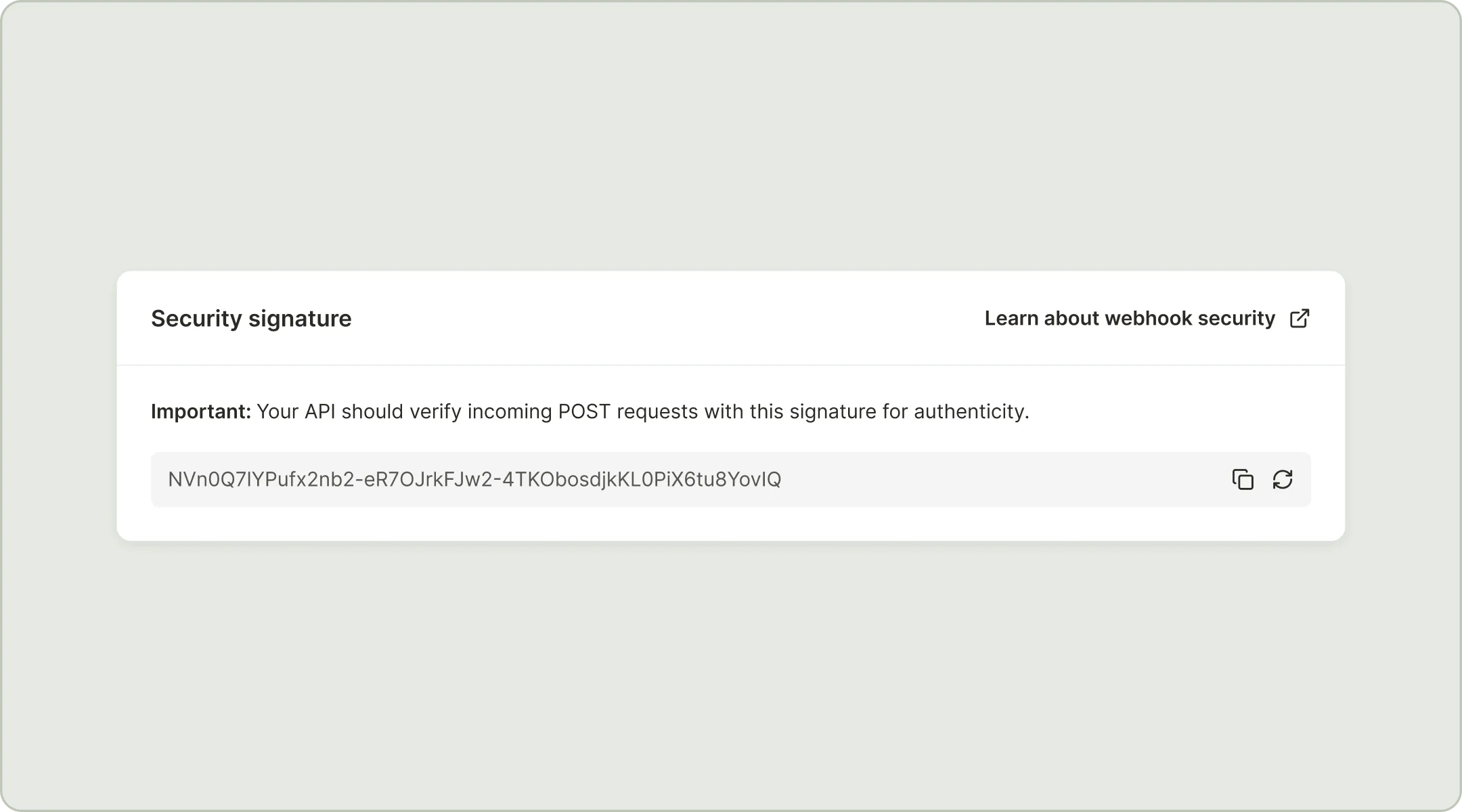
Using this key, calculate the HMAC-SHA256 of the byte-formatted payload and encode it to Base64url to get a digest. Ensure that the digest matches the X-Merge-Webhook-Signature found in the headers of the incoming POST request to confirm that the request is valid.
Webhook visibility
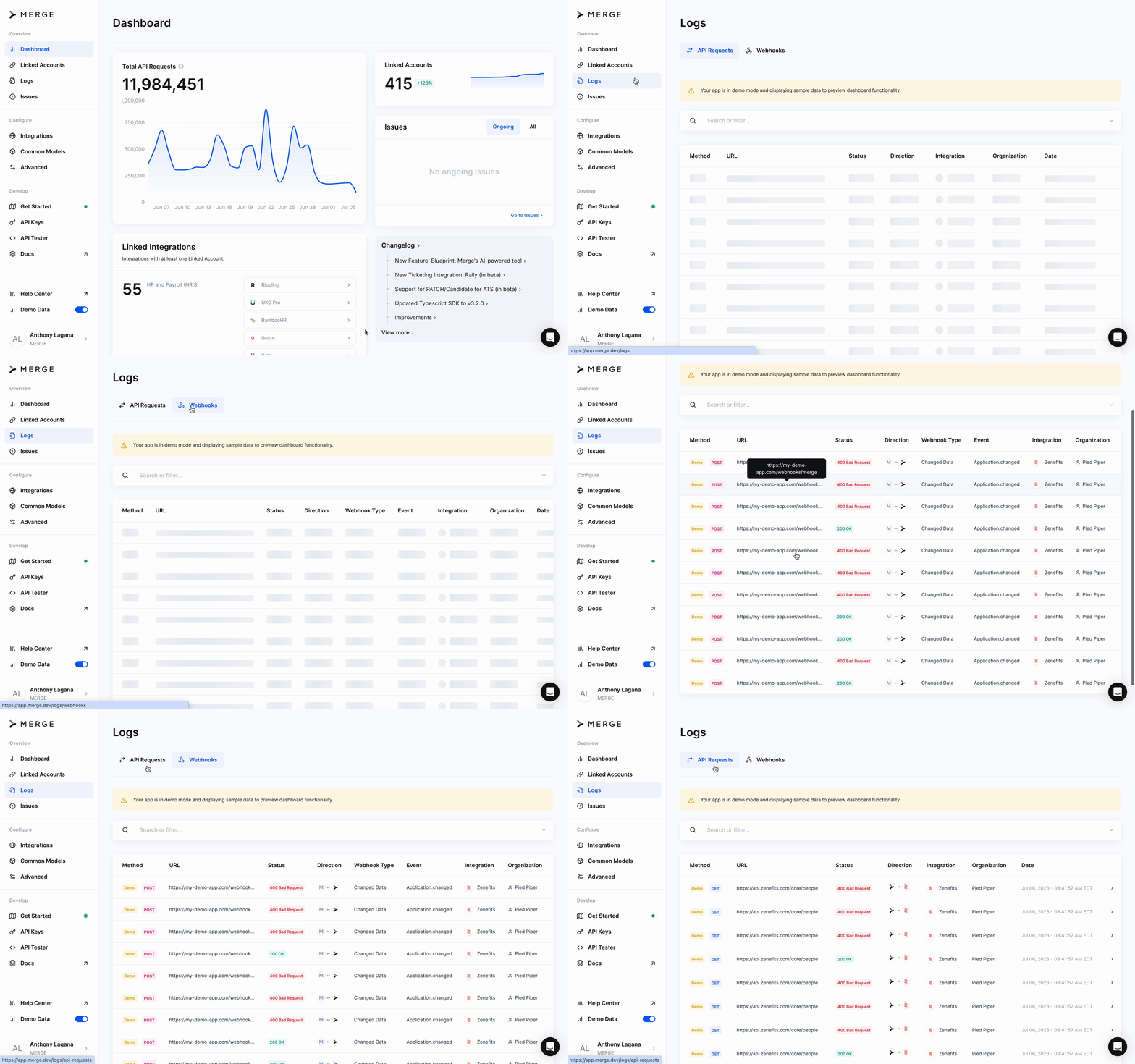
All Webhooks are visible as Logs, and viewable from Merge’s dashboard.