
Linked Account
Linked Accounts represent your end users’ connections between your app and third-party platforms.
Create a Test Linked Account
Press Create test Linked Account in Test Linked Accounts.
- Select an integration.
- Follow the steps to set up the integration.
Syncing
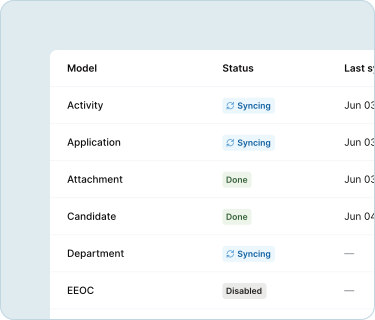
Your Linked Account will start syncing data from the third-party platform automatically.
You can view sync status in your Linked Accounts.
Pull data
Pull Linked Account data into your product by following the instructions in Unified API.
To authenticate your API requests to Merge, save your end users’ Account Token in your database.
For Test Linked Accounts, you can find the Account Token in the Linked Accounts Dashboard (see image below).
For Production Linked Accounts, save the Account Token that is returned from your Merge Link after your end users authorize integrations.
