
Merge Link
Add Merge Link to your product
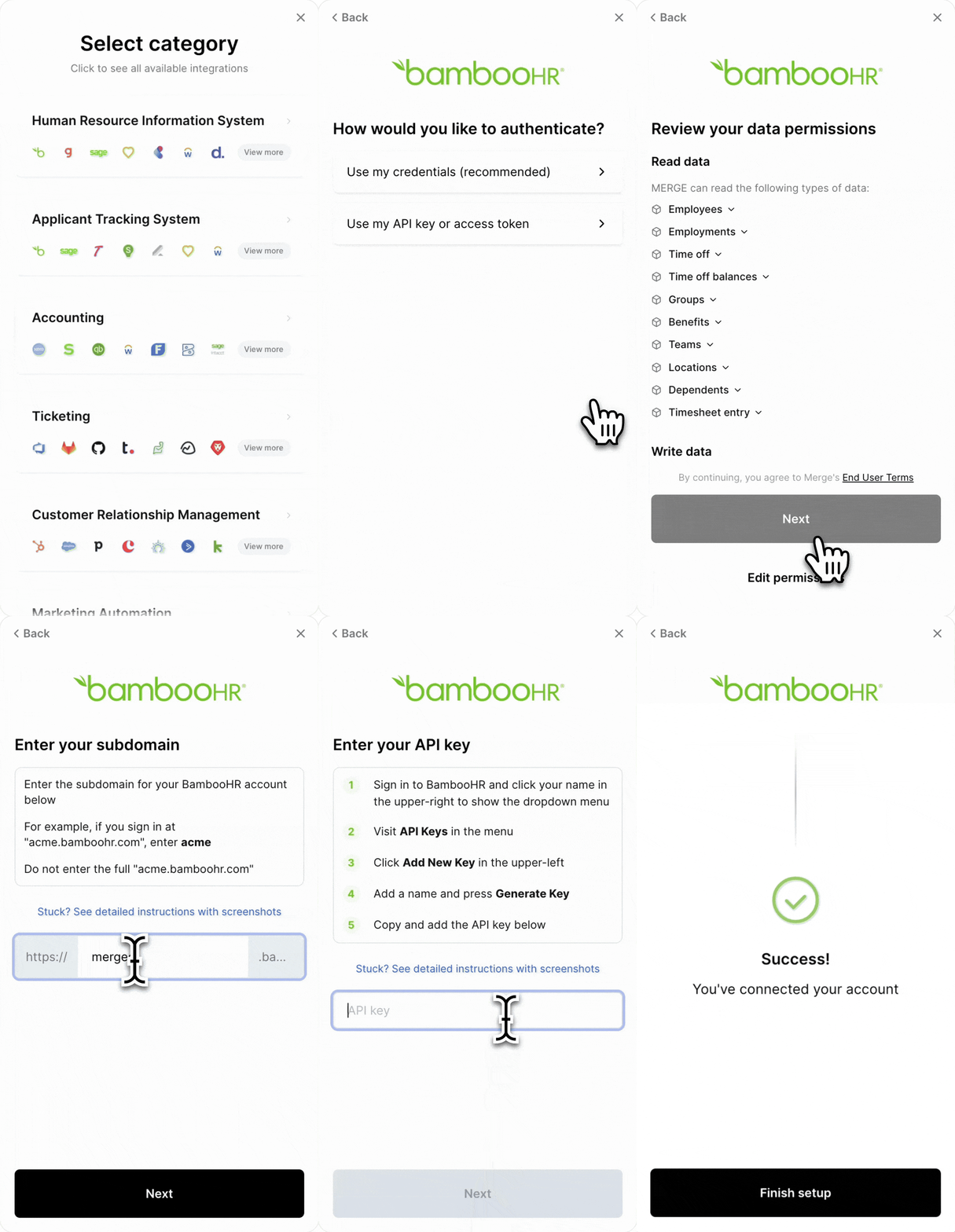
Merge Link utilizes a series of token exchanges to securely authenticate your users’ integrations.
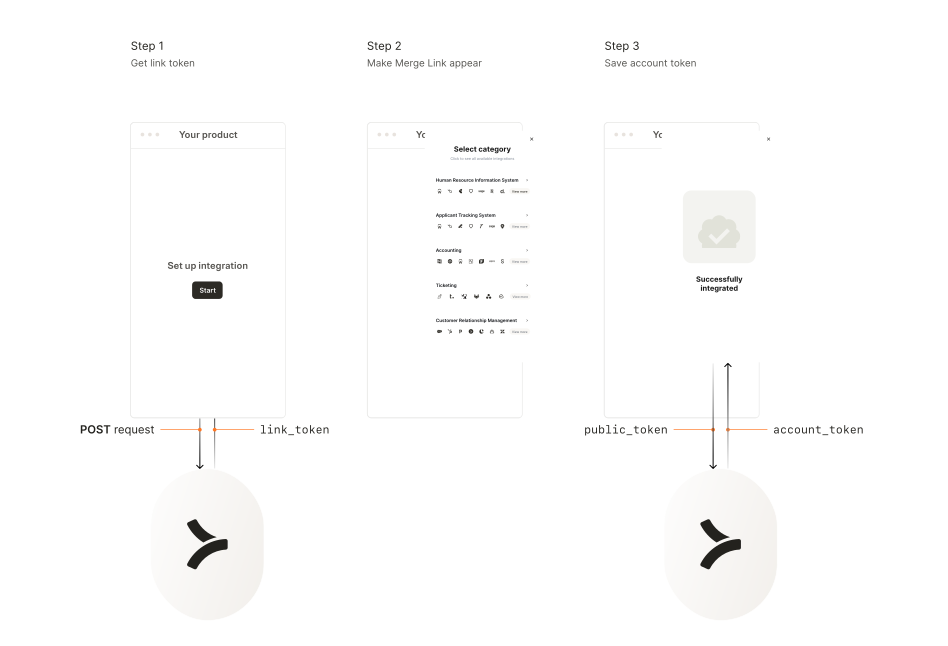
In this guide, you’ll set up the following in your application:
-
Get a
link_tokento initialize a Merge Link session for your end user. -
Make Merge Link appear in your frontend.
-
Swap for an
account_token, which authenticates future requests to the Unified API.
Backend – Get link token
In your backend, set up a POST request to initialize a Merge Link session and get a link_token from this URL:
Note: If you are using our SDKs, you can get a Link Token using a category-specific endpoint. For example, for HRIS, it can be found at https://docs.merge.dev/hris/link-token/.
Pass in your Production Access API key as a header; use a production access key to create a production Linked Account or a test access key to create a test Linked Account.
POST request body
Configure your Merge Link with the following parameters:
API response
The response will include the following fields:
Pass the link_token to your frontend to display Merge Link in step 2.
End User Origin ID
Each end_user_origin_id can have a maximum of one Linked Account per category. For example, each ID can have up to one HRIS, one ATS, one Accounting, one Ticketing, one CRM, and one File Storage integration simultaneously. If you want to link multiple accounts for the same user, learn more in our help center.
Frontend – Make Merge Link appear
In your frontend, use the link_token from step 1 to open Merge Link.
Display Merge Link
Pass in these parameters:
Pass the public_token to your backend to securely swap it for an account_token in step 3.
Backend – Swap public token for account token
In your backend, create a request to exchange the short-lived public_token for a permanent account_token.
Important: Securely store this account_token in your database for authenticating future API requests to the Unified API regarding the end user’s data.
Congrats on completing our onboarding guide!
Learn more about Unified API functionality in the links below
Navigate our Unified API
Linked Accounts are connections to third-party apps. Get available operations using this endpoint
Bypass Merge data normalization and utilize original data from third-party platforms
Paginate API list data
Get real-time events POSTed to you
Helpful for displaying integrations in your app