
Analyze compensation
1. Authentication and connection
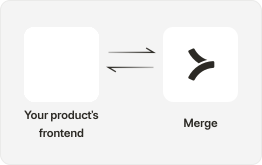
Your users authorize your application to access their HRIS platform by going through an authorization flow using Merge Link.
If there are custom fields that the customer would like to sync specifically related to Demographic or Compensation Information, they can map a specific Remote Field within the Merge Link UI.
Field Mappings in Merge Link can help capture additional custom fields.
2. Data retrieval from HRIS
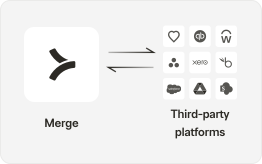
Utilize Merge’s endpoints, such as GET /employees, GET /Employments to retrieve comprehensive HRIS data related to basic employee information, demographic information, job information, and compensation information.
3. Build specific models around collected employee data
Using the information provided by Merge, associate each Employee with their demographic, compensation, pay, and equity information.
Build models to track trends across compensation spend, compensation per specific demographics, equity tracking, and more.

4. Surface analysis to customers
After leveraging Merge’s data to power your backend analysis around key employee information, surface information directly to your customers in your product!
