
Assign trainings
1. Authentication and connection
Your users authorize your product to access their HRIS platform by going through an authorization flow using Merge Link.
If there are custom fields that your customer would like to sync specifically related to training information, they can map a specific Remote Field within the Merge Link UI.
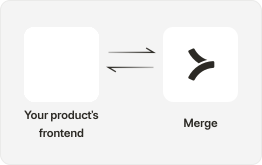
Field Mappings in Merge Link to capture additional custom fields.
2. Retrieve data from HRIS
Utilize GET /Employees, to retrieve basic employee information such as an employee’s full name, work email, and employment status.
You can also expand the groups field within the Employee object to identify the specific department an employee is in to designate specific team-related trainings.
If you’d like to assign trainings based on specific office locations, you can expand the work location field within the Employee object.
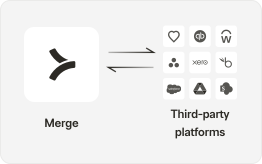
3. Reference stored data within Merge
Implement logic to assign trainings based on key fields returned from Merge such as an employee’s start date, department, location, etc.
Implement logic to disable employee profiles when they return an employment status of Inactive.

4. Surface assigned trainings in your product
Surface automated assigned trainings to employees in your product to your customers with HRIS integrations!
