
Contact information
Set up outbounding campaigns automatically with contact information from your customers' CRMs
1. User authorizes access
Your user authorizes your application to access their CRM (e.g. Salesforce, Hubspot) via an OAuth or similar authorization flow through Merge Link.
2. Fetch contacts
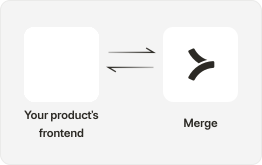
Utilize the GET /contacts endpoint to fetch contacts from your customer’s CRM.
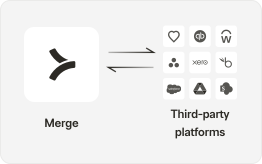
Use Remote Fields and Remote Data to pull in any custom fields in your customers’ CRM.
3. Automate outbound efforts
You and/or your customers can now easily set up automated outbounding campaigns using contacts’ names and contact details (email addresses and phone numbers). If available, use custom fields that may provide context on products or services a contact may be interested in to create targeted campaigns.
