
Deal notification
1. Onboard your user
Your user signs into your app, and authorizes their integration between Merge and their CRM via Merge Link. Merge begins syncing CRM data.
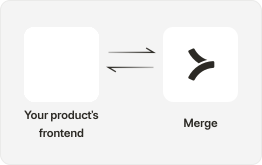
Before your user Links, use Scopes in the Dashboard to configure what information Merge and your app is able to access from a third-party platform.
2. Access opportunity data
Your app is able to get the data it needs with the Opportunity Model.
You can track the status of the Opportunity with the Status field, with values such as “Won.”

Merge supports Webhook Emitters and Receivers for certain CRMs, such as PipeDrive and HubSpot. You can configure these webhooks to send your app real time updates about deal changes.
3. Configure notification logic
In your application, configure the relevant logic to send a notification to your users’ selected channel, such as Slack or Teams.

4. Improve sales efficiencies
Your app can now offer sales performance and metric tracking, helping your users and their teams improve their deal velocity.
